
Google Merchant Center Suspension: A Shopify Owner's Guide to Fixing It (and Avoiding It)
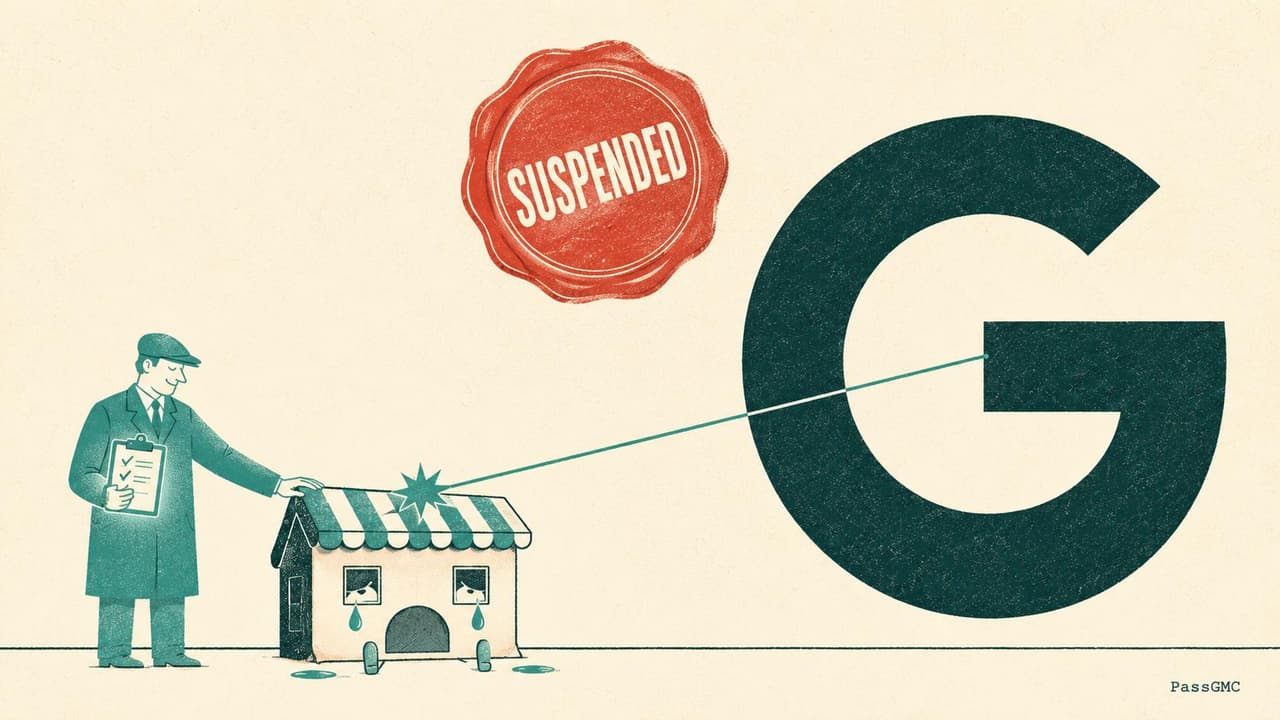
The email lands at the worst possible time. "Your Merchant Center account has been suspended." Your Shopping ads stop running. Your free listings disappear. The traffic you counted on this week is gone, and Google's explanation is a single vague phrase like "Misrepresentation of self or product."
Take a breath. A Google Merchant Center suspension feels like a verdict, but it works more like an unfinished checklist. Google is not declaring your store a scam. It is saying it could not find enough evidence that your store is trustworthy, and it will not show your products until that changes.
This guide walks through the whole problem: what a suspension actually is, why Shopify stores get flagged, how long each stage of the process takes, and the exact fix sequence that gets accounts reinstated. It also covers the handful of mistakes that turn a one-week problem into a permanent one. Those are worth reading first, because the most damaging move is usually made in the first hour of panic.
What a Google Merchant Center suspension actually is
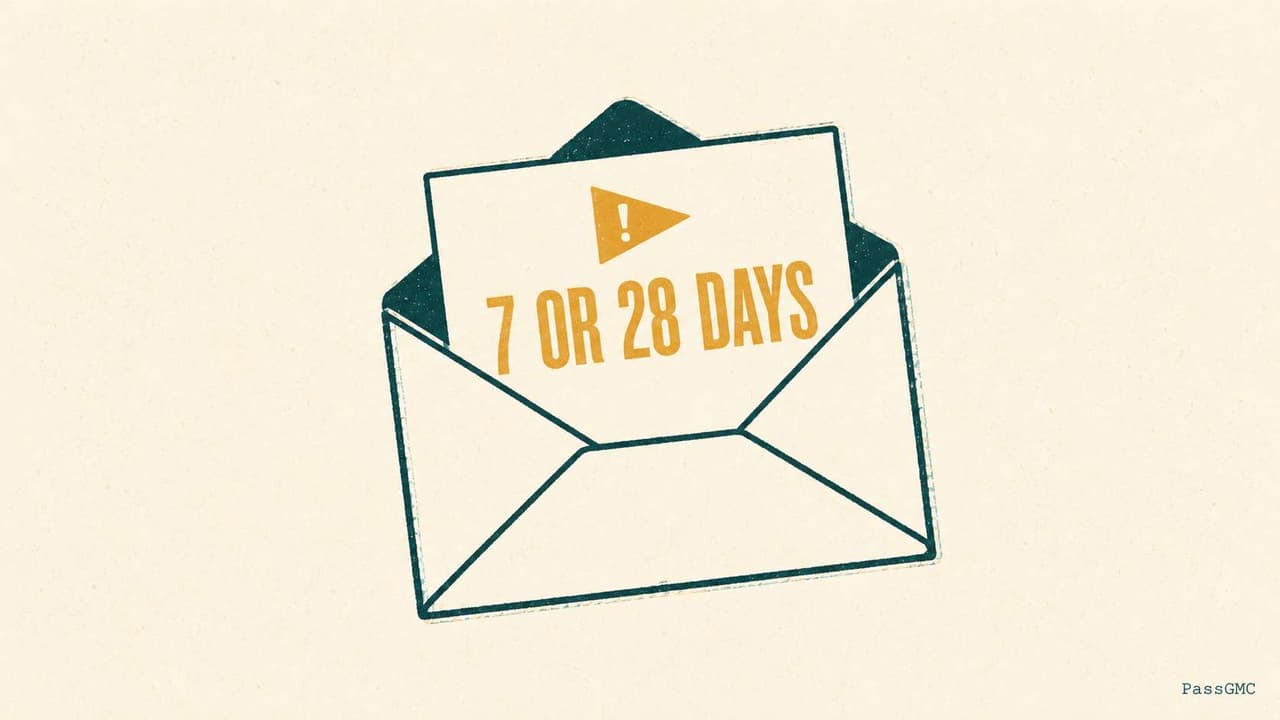
Google enforces its Shopping policies in stages, and the stage you are in decides how much time you have. Google's documentation on warnings and account suspensions lays out the sequence.
Most accounts get a warning first. The warning email names the policy problem, explains how to fix it, and gives you a fixed window to sort it out. Google's review documentation puts that warning period at 7 or 28 days, with the exact deadline stated in the email itself. During the warning period your products may continue to appear, though possibly in a limited visibility state, and you can request one courtesy review of your account at any time during the warning if you believe you have fixed everything early. If all of your issues are resolved, the warning is lifted.
If the warning period ends and the problem remains, the account moves to suspended. Every product stops showing in both Shopping ads and free listings. If you run your store on Shopify, the suspension also surfaces inside the Google & YouTube sales channel, on the app's Overview page, so you will usually see it in two places.
There is a third path, and it skips the warning entirely. In Google's own words: when an egregious policy issue is detected, no warning is given and the account is suspended immediately. Egregious is Google's term for violations that cause serious harm, such as impersonating another brand or deceptively collecting payment details.
Enforcement level | What triggers it | Products still showing? | Your window to act |
|---|---|---|---|
Account warning | A fixable policy violation was detected | Possibly, with limited visibility | 7 or 28 days, stated in your warning email |
Account suspension | The warning expired unfixed, or violations repeated | No | Open-ended: fix, then pass a review |
Immediate suspension | An egregious violation | No | No warning given; fix everything, then appeal |
One nuance matters more than anything else in that table: a suspension has no expiry date. It is not a 30-day penalty that lapses on its own. Your account stays suspended until you fix the root cause and pass Google's review, whether that takes a week or a year. The clock only moves when you do.
Why Shopify stores get suspended
Ask anyone who handles suspension recovery full time and you will hear the same number: roughly nine in ten of the cases they work carry the "Misrepresentation" label. The remainder cluster around a short list of causes that are just as fixable once you can see them.
Here is the full list, mapped to where each problem actually lives in a Shopify store.
Cause | What Google detects | Where it lives in your store |
|---|---|---|
Misrepresentation | Missing trust signals: thin or absent About page, incomplete contact details, missing policies, inconsistent business information | Pages, footer, policy settings |
Missing or unclear policies | No findable returns, refund, shipping, or privacy policy, or policy text that contradicts itself across pages | Settings, Policies, footer navigation |
Product data mismatches | Feed price, availability, or shipping cost that disagrees with the live product page | Google & YouTube app sync, product pages |
Tax and shipping discrepancies | Rates submitted to Merchant Center that differ from what checkout actually charges | Shipping profiles, tax settings |
Restricted or prohibited products | Items on Google's restricted lists: weapons, drug paraphernalia, counterfeits, and others | Product catalogue |
Copyright and brand issues | Manufacturer images or copy reused without authorisation, or brand names used in ways that imply false affiliation | Product images and descriptions |
Checkout security | Missing or invalid SSL anywhere in the purchase flow | Domain settings |
Notice something about that table. Almost nothing in it is about advertising. Suspensions are decided by your store itself: its pages, its policies, its data. That is why "fixing your ads" never fixes a suspension. Presentation counts too: shouty titles, unfinished pages and blocking pop-ups all fall under Google's editorial and professional requirements.
Three of these causes deserve a closer look.
Misrepresentation is so dominant, and so widely misunderstood, that the next section unpacks it in full.
Policy pages are the most common single trigger hiding inside misrepresentation. Your returns, refund, shipping, and privacy policies are not legal formalities in Google's eyes. They are primary trust evidence. Reviewers check that the policies exist, that a customer could actually find them, and that what they promise matches what your store does. A returns policy that quietly contradicts your shipping page is worse than one that is merely brief, because it looks like the store cannot be pinned down on its own commitments.
Product data is the quiet one. Shopify syncs your catalogue to Google automatically, which is convenient right up to the moment a price edit, a flash sale, or a shipping change makes the feed and the website disagree. Google recrawls product pages and compares them to the data you submitted. Every attribute in that submission has an exact format and a character limit, set out in what the product data specification requires. Individual mismatches get individual products disapproved. Enough of them at once and the account itself gets flagged, because systematic mismatch reads as a store that says one thing and charges another.
Shopify stores are not suspended more often than other stores, but they do fail in Shopify-shaped ways. The platform automates so much of the Merchant Center relationship that owners rarely look at what is being submitted on their behalf. When the automation drifts out of line with reality, nobody notices until Google does. There is a full section on those traps below.
Misrepresentation: the suspension most stores get
Misrepresentation sounds like an accusation of dishonesty. In practice it is a measurement of missing evidence. Google's Misrepresentation policy describes what it wants to see, and every item on the list is something a reviewer (human or automated) can verify by looking at your store.
Translated out of policy language into Shopify actions, Google's trust signals look like this:
Be identifiable. Use your own business name, logo, imagery, and colours consistently across your site and your ads. A store that looks assembled from other people's assets reads as a store hiding its identity.
Be reachable. Publish real contact information: a physical business address, a phone number or contact form, and an email that works. A contact page with a lone web form and nothing else is one of the most common failures on suspended stores.
Explain yourself. Maintain an About page that says who runs the store, where it operates from, and what it sells. Two sentences of filler text do not do this job.
Disclose everything about the money. Total costs, payment methods, billing terms, shipping charges, and taxes should be visible before checkout, not discovered inside it.
Publish your commitments. Returns, refunds, and shipping policies must exist, be linked somewhere a customer would look (your footer is the convention), and describe what actually happens.
Deliver what was paid for. Only list products you stock and can ship. Honour the refund policy you published.
The policy's own violation examples show how broad the enforcement is: impersonating another brand, promoting products that are not available, charging for something normally free, refusing refunds that your own policy promises, and hiding fees until after commitment. None of those require malicious intent. A legitimate store can trip half of them through neglect: an out-of-date policy page, an abandoned product that still lists as in stock, a hidden customs charge.
That is the real lesson of the nine-in-ten number. Misrepresentation suspensions overwhelmingly hit honest stores with incomplete evidence, not dishonest ones. Google cannot interview you. It can only read your store. If the trust signals are missing, thin, or contradictory, the algorithm reaches the only conclusion available to it.
The practical response is to treat your store the way a sceptical stranger would. Open it in an incognito window. Can you find who runs it, where it is based, how to reach a human, what it costs to ship, and what happens if the product disappoints? If any answer takes more than a minute to find, you have located a misrepresentation signal.
The Shopify-specific traps nobody tells you about
Generic suspension guides treat every store the same. Shopify stores fail in specific, repeatable ways, almost all of them connected to what the Google & YouTube app syncs automatically and what it silently does not.
Shopify setting | How it silently breaks Merchant Center | Where to fix it |
|---|---|---|
Custom shipping profiles | Google's own guidance: only rates in your General shipping profile sync to Merchant Center; custom profiles sync incorrectly and cause errors | Settings, Shipping and delivery; then re-sync in the Google & YouTube app |
Third-party shipping apps | Rates from shipping plug-ins are not guaranteed to sync; if they have not, Google says to set up shipping manually in Merchant Center | Merchant Center, Shipping settings |
Tax settings | Tax configured in Shopify that does not match what Merchant Center expects reads as a price discrepancy at checkout | Settings, Taxes and duties, then confirm in Merchant Center |
App connection drift | Expired tokens or changed permissions quietly stop the sync. Your store updates, the feed does not, and mismatches accumulate | Google & YouTube app, Settings, reconnect the account |
Domain verification | If verification lapses (for example after a domain change), Merchant Center loses trust in the site claim itself | Merchant Center, Business information, Website |
The shipping rows are the ones to read twice. Mismatched shipping is one of the most reliable suspension triggers there is, because Google treats an understated shipping cost as a price lie: the customer was promised one total and charged another. Google's own Shopify shipping guide is direct about the safety rule, in its exact words: if you can't match the cost exactly, overestimate the figures you submit to Merchant Center. A feed that overstates shipping costs you a little conversion. A feed that understates it can cost you the account.
The app connection trap is subtler. Nothing tells you loudly that the sync stopped. Shopify keeps working, your store keeps selling, and the feed quietly fossilises. Weeks later, Google compares its stale copy of your catalogue against your live site, finds systematic disagreement, and flags the account. If you change passwords, staff accounts, or app permissions, open the Google & YouTube app afterwards and confirm the connection survived.
A five-minute monthly ritual prevents nearly all of this: open the Google & YouTube app, check the connection status, compare a couple of product prices and shipping rates against what Merchant Center holds, and confirm your domain is still verified. It is unglamorous, and it works.
How long everything takes
Suspension recovery has a rhythm, and knowing it keeps you from making timing mistakes. These numbers come from Google's review documentation unless noted.
Event | How long |
|---|---|
Warning period before suspension | 7 or 28 days, stated in your warning email |
Courtesy review during a warning | You can request one, at any time during the warning period |
Review after you request one | Up to 7 business days |
Cool-down after failed attempts | If issues are not resolved by the second review attempt, a one-week cool-down may begin, and it may increase with each unsuccessful review after that |
Products returning after approval | Eligible to show across Google within 24 hours |
Two things in that table shape your whole strategy.
First, the cool-down. Failed reviews lock the review button for a week or more, and the lock grows with each failure. A few hasty attempts can burn a month of selling time on their own, entirely separately from the suspension itself. This is why the single most expensive thing you can do is request a review before you have finished fixing. Related, and worth knowing: Google also gives you only one chance to disagree with an issue if you believe it is a mistake, so that button is not a retry mechanism either.
Second, the asymmetry between fixing and waiting. The fix work is under your control and can be done in a day of focused effort. The review is not under your control and takes up to a week per attempt. The maths is lopsided: one extra day spent making the fix thorough is cheap insurance against a seven-day rejection cycle.
Plan for the honest middle case: a well-prepared review request on a genuinely fixed store typically resolves in one to two weeks end to end. Anyone promising 48-hour reinstatement is describing the best case, and anyone who got there did the fix work first.
How to fix it: the exact sequence
Here is the sequence that works, in order. The order is the point: everything before the review button exists to make sure you only need to press it once.
Read the actual reason. Open the suspension email and your Merchant Center account and find the exact policy name Google cites. "Misrepresentation" sends you to trust signals. "Untrustworthy promotions" sends you to pricing and offers. Fixing the wrong category wastes a review cycle.
Audit all four surfaces. Suspensions are rarely one broken thing. Check your Merchant Center settings (business information, shipping, tax, domain verification), your product feed (prices, availability, identifiers against live pages), your website (policies, contact information, About page, checkout security), and your wider footprint (does your business name return alarming results, do your social profiles exist and match). Write down everything you find before fixing anything, so nothing gets lost mid-repair.
Fix everything on the list, not just the headline item. Google's review is holistic. Reviewers who find a different unresolved violation will reject the request even if you fixed the cited one. Partial fixes are the main reason first attempts fail.
Verify your fixes are live. Check the public storefront in an incognito window, not the Shopify admin preview. Edits can take time to propagate to what logged-out visitors (and Google's crawlers) actually see. Requesting a review while your fixes are still propagating is a self-inflicted rejection.
Request the re-review. Two routes reach the same outcome. In Shopify: the Google & YouTube app, Settings, then Request re-review, as described in Shopify's Google channel documentation. Or directly in Merchant Center through the account issue's review request. If a free-text field is offered, use it to state the root cause you identified and what you changed, specifically. "We identified that our refund policy contradicted our shipping page and rewrote both; we added our registered business address and phone number to the contact page" beats "we have fixed all issues" every time. Google's own bar for reinstatement is that the problem is genuinely resolved, so demonstrate exactly that.
If rejected, talk to a human before trying again. Contact Merchant Center support and open a case rather than immediately re-pressing the self-serve button. This one is practitioner wisdom rather than official documentation, but it is consistent across people who handle these cases every day: support cases get a human reading your explanation, typically respond faster than the standard queue, and a rejected case does not appear to burn the self-serve cool-down the way a failed review does. Bring new information to the case: what you have changed since the last review, with specifics.
What not to do (each one makes it worse)
Do not open a second Merchant Center account. This is the catastrophic one. Google's Circumventing systems policy explicitly names creating new accounts to get around a suspension as multiple account abuse, treats it as egregious, and suspends on detection without warning, with the account not allowed back. Stores have converted a fixable suspension into a permanent exile from Google Shopping in one afternoon this way.
Do not request a review before the store is actually fixed. Failed attempts trigger the cool-down mechanics above, and each failure lengthens the next lock. Resubmitting hope is not new information.
Do not bulk-appeal product disapprovals with violations still in the feed. Google's own documentation warns that a bulk appeal covering offers that still violate policy risks immediate failure. Clean the feed first, then appeal what remains.
Do not thrash the settings. Mass-deleting products, swapping domains, or rewriting every policy page mid-review makes your store look unstable to the reviewer reading it. Make deliberate fixes, verify them, then hold still and let the review happen.
The stores Google flags most (and how not to be one)
Three profiles absorb a disproportionate share of suspensions.
Dropshipping stores, because the model's weak points are exactly what the misrepresentation policy measures: long undisclosed shipping times, manufacturer images used without authorisation, thin business identity, and no evidence of a real operation behind the storefront. Dropshipping is not banned. Dropshipping without disclosure evidence effectively is.
Brand-new stores, because a site registered last month with no reviews, no social presence, and no footprint gives Google almost nothing to weigh in your favour. New stores earn the least benefit of the doubt precisely when they are most likely to have setup gaps.
Stores in restricted verticals (supplements, health products, anything near Google's restricted lists), where enforcement is strict, partially automated, and unforgiving of borderline wording.
If you recognise your store in that list, the economics of prevention change completely. You are one automated flag away from losing your best sales channel for a week or more, and the audit that would have prevented it takes minutes, not days.
That is exactly what we built PassGMC for. It scans your store the way Google's review does: policies, trust signals, product data consistency, pricing wording, the lot, across 46 checks, and hands you the prioritised fix list with exact Shopify admin paths. Run it before Google runs its version, and the suspension email never arrives. Run it after a suspension, and you walk into your review knowing every root cause is already fixed. The headline scan is free and needs no sign-up.
Quick answers
Can I just open a new Merchant Center account?
No. Google's Circumventing systems policy treats new accounts created to get around a suspension as multiple account abuse, an egregious violation. Accounts are suspended on detection, without warning, and are not allowed back. It is the one mistake with no recovery path.
How many review attempts do I get?
There is no published total limit, but the mechanics discourage guessing: you get one chance to disagree with an issue, and if problems are not resolved by the second review attempt, a one-week cool-down may begin and grow with each failure after that. Treat your first request as if it were your only one: fix everything first.
Does a Merchant Center suspension affect my Google Ads account?
Your Shopping campaigns stop immediately, because they can only advertise products from your Merchant Center account. And the most serious violations, such as circumventing systems, are enforced at the account level across Google's advertising systems. Fixing the store is what fixes both.
Suspended, or worried you are about to be? Run a free PassGMC scan and see your readiness score in minutes.
See where your store stands, free.
Run a free headline scan and get your readiness score in about a minute. No sign-up needed to see it.
Scan my store